
Find topics
Keyword research
Search volume, difficulty, live Google results, People Also Ask, competitor gaps and backlinks for your site.
See how it worksFeatures / Publish and measure / Blog analytics
Publish and measure
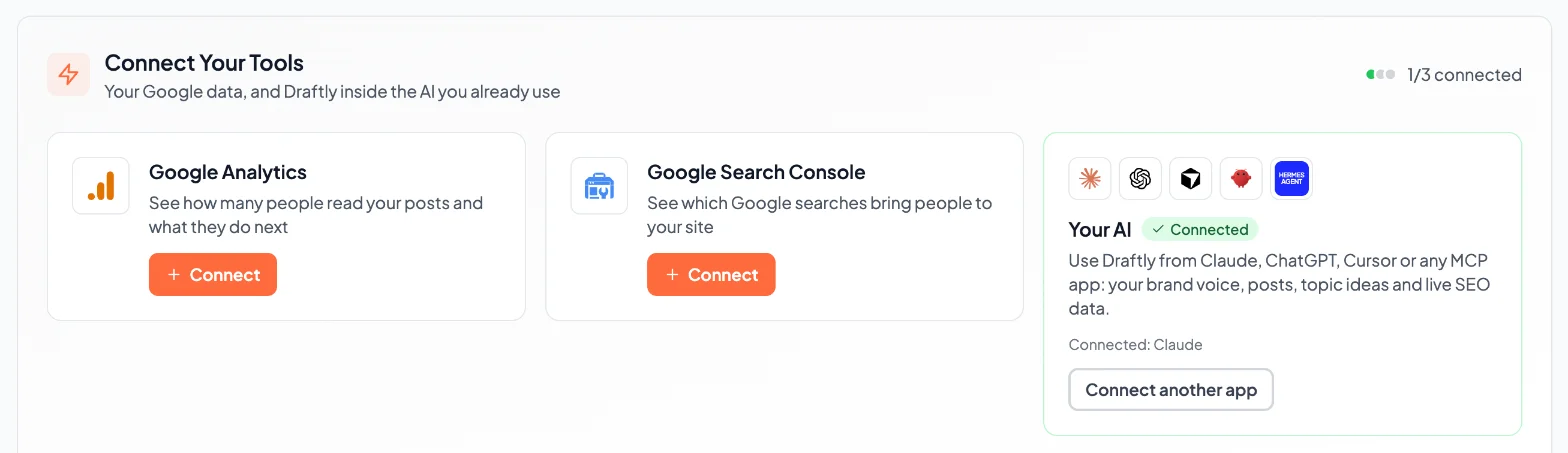
Connect Google Analytics and Search Console from your dashboard. Draftly shows which Google searches bring people to your site, how many people read your posts and what they do next.
The difference
Most small-business blogs never learn which posts bring in readers, because the numbers sit in two other Google tools.
Draftly shows your Analytics and Search Console data next to the posts it wrote.
Every connection is:
See which searches bring people to your site and what they do next.
Where it fits
01.Find topics
Know what to write this week. Blog topic ideas, Keyword research.
02.Write in your voice
Posts that sound like your business wrote them. AI brand voice, 14 AI models.
03.Check and fix
Catch AI phrasing and broken SEO basics before you publish. Writing rules checker, AI content detector, AI copy editor, Meta title and description.
04.Publish and measureThis feature
Get posts onto your blog without copy and paste, then see what they bring in. One-click publishing, Automated blogging, Blog analytics.
05.Use it your way
From your AI, inside WordPress, or with your team. Claude and ChatGPT connector, WordPress plugin, Teams and extra websites.
Both connections are free on every plan, including Free. Draftly asks Google for read-only access.
Every plan, including Free.
Prices and credits for each plan are on the pricing page.
Your first post
Try it on your own site
Paste your URL and Draftly writes a post in your brand's voice. The first one is free, with no credit card.
Generate Free PostYes, on every plan.
No. It asks for read-only access to Analytics and Search Console.
Find topics
Search volume, difficulty, live Google results, People Also Ask, competitor gaps and backlinks for your site.
See how it worksPublish and measure
Set a schedule once. Draftly picks topics, writes the posts and publishes them on your cadence.
See how it worksFind topics
Post ideas pulled from your industry's news and real Google searches, checked against what your business sells.
See how it worksPaste your URL, read the draft, then decide.
Free first post. No credit card.